Getting started
A tour of the app from sign-in to your first AI chat.
researchwith.ai turns dense academic papers into something you can read, search, and ask questions about, without leaving the page.
This first guide takes you from sign-in to chatting with your first paper in about three minutes.
Sign in
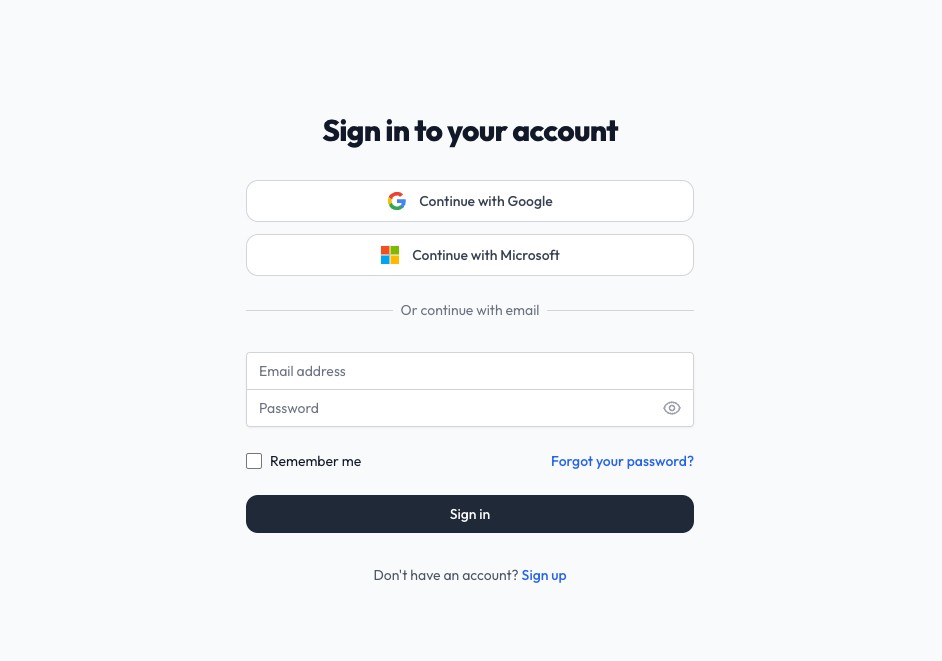
Head to researchwith.ai and click Sign in in the top right. You can sign in with Google or with an email and password. New accounts start on the free tier; no card required.
Open your first paper
Once you're in, you have three ways to open a paper:
- Paste an arXiv URL or ID at the top of the home page (for example
2503.01234orhttps://arxiv.org/abs/2503.01234). - Search by keyword, natural-language question, or hybrid mode. See the Search guide for details.
- Pick from the Trending feed on the home page to see what's popular right now. Rest the pointer on a card for a couple of seconds and it pops out, sliding the cover up to reveal the paper's abstract in place.
Selecting any paper takes you straight to the Reader.
Get oriented in the Reader
The Reader has two main panes:
- Left: the paper itself. Highlight text by selecting it.
- Right: the AI chat panel. Ask anything about the paper.
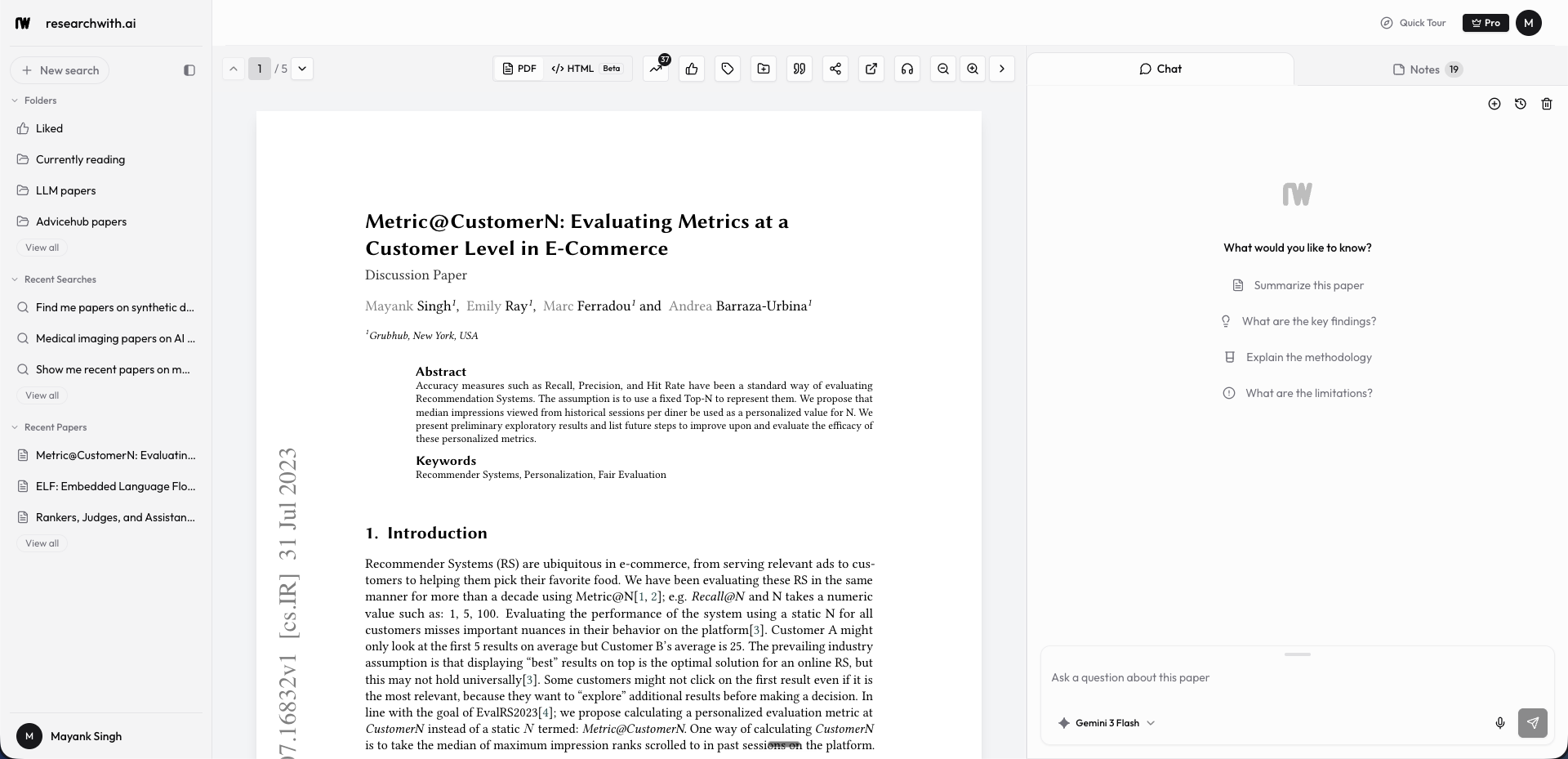
If you ever need more space, the chat panel can be collapsed with the button in the navbar.
Chat with the paper
In the right panel, type a question. Anything works, from "summarize the methodology" to "What's on this table?" (The AI has context on what's visible on the screen). The AI uses the paper's own text as context, and answers cite the chunks they pulled from, so you can jump back to verify.
For deeper questions, switch to a more capable model with the picker above the chat input. Pro accounts unlock Claude Opus, GPT Pro, and other premium models.
See the full Chat with paper guide for tips on models, thinking mode, and citations.
Next steps
- Search: find papers with keyword, natural-language, or hybrid search
- Highlights: save passages and organize them across papers
- Reader: adjust the view, jump between sections, listen to a paper